How to run report for the multiple selected record on the form

I have requirement for report i.e when user select multiple sales order form the sales list page and when he run the report then it should run for all the selected sales orders

I tried this code but didnt work for me

public class TSCPerformaInvoiceController extends SrsReportRunController
{
    public static TSCPerformaInvoiceController construct()
    {
        return new TSCPerformaInvoiceController();
    }
    protected void prePromptModifyContract()
    {
        SalesTable salesTable;
        FormDataSource fds;
        List salesIdList = new List(Types::String);
        TSCPerformaInvoiceContract contract = new TSCPerformaInvoiceContract();
        contract = this.parmReportContract().parmRdpContract() as TSCPerformaInvoiceContract;
        fds = FormDataUtil::getFormDataSource(this.parmArgs().record());
        if(this.parmArgs() && this.parmArgs().dataset() == tableNum(salesTable))
        {
            for(salesTable = getFirstSelection(fds) ; salesTable ; salesTable = fds.getNext())
            {
                salesIdList.addEnd(salesTable.SalesId);
            }
            if(contract)
            {
                contract.parmSalesId(salesIdList);
            }
        }
    }
    public static void main(Args _args)
    {
        TSCPerformaInvoiceController controller = TSCPerformaInvoiceController::construct();
        controller.parmArgs(_args);
        controller.parmReportName(ssrsReportStr(TSCPerformaInvoiceReport, TSCReport));
        controller.startOperation();
    }
}

i create contract class and taking the parameter in list
Unfortunately, there is no universal solution for “it didn’t work”. You’ll need to describe the actual problem before we can help you.

Your code in prePromptModifyContract() can be simplified, but it probably does the job and populates the list of sales IDs. Use the debugger to verify it. If it’s the case, it means that the problem is somewhere else then the code you showed above. It’s either in the RDP class where you’re using the list of sales IDs to product the actual report data, or in the report itself where you’re displaying the data.

have you ever run sales invoice report


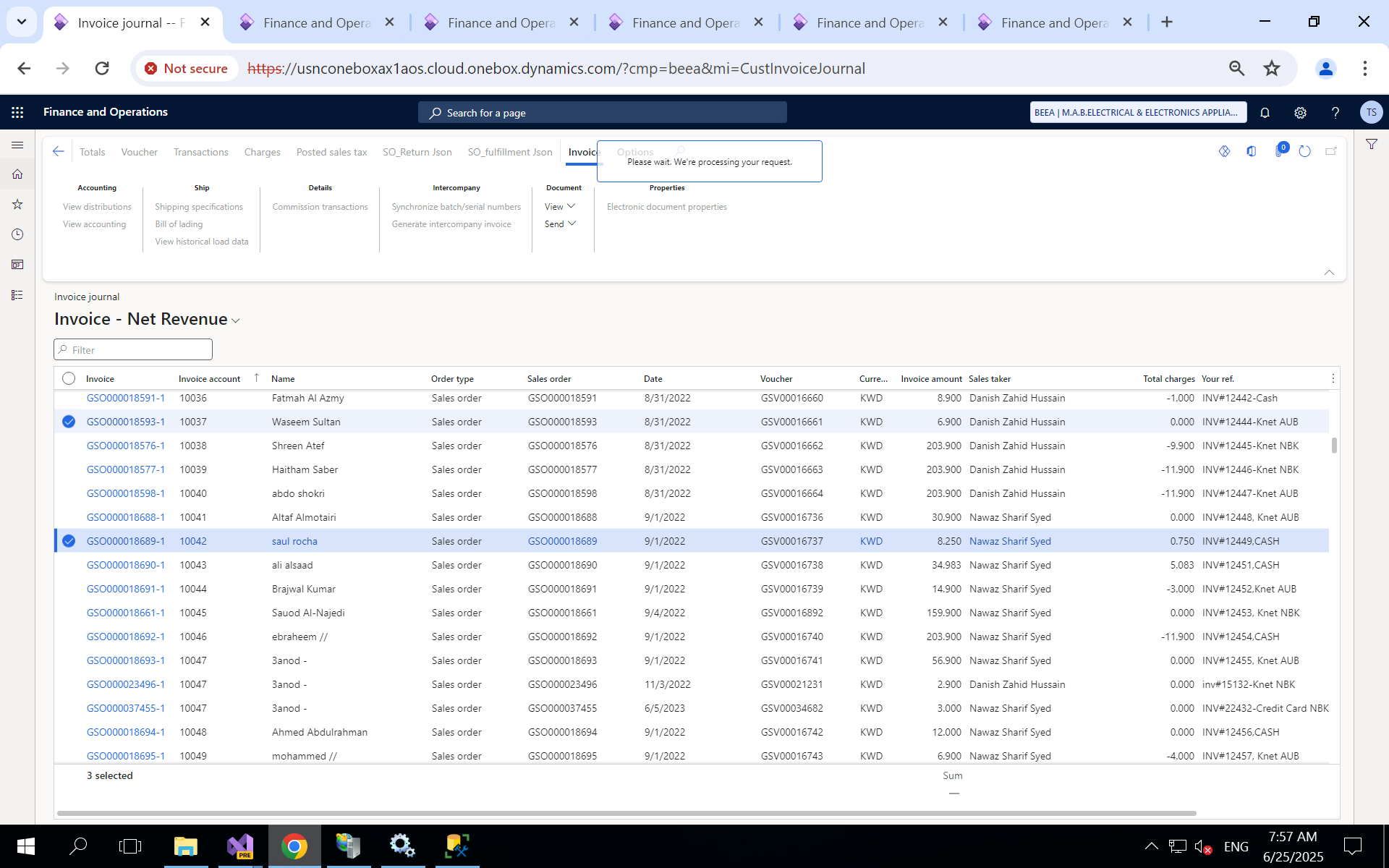
i have selected two sales order record when i go action pane Invoice> document> View > Original preview it will run the report for the two sales order and open two report for that

Yes, I ran the report and I know that you can select multiple records.

Unfortunately, it tells me nothing about your report, therefore I can’t tell what you did wrong. If you don’t give us more information than just that your report doesn’t work, we can’t help you.

more information means ?

can we connect martin?

For example, you can confirm whether your code above correctly populates the list.

Then you need some code doing something with the list. If you don’t have any, then obviously nothing will happen with the list until you add such logic. If you have it, you can test it to see whether it works correctly or not. If not, and you’re unable to identify the reason, you can share the code and tell us where it doesn’t behave as expected.

Your report may be able to print multiple records at once, or it always prints just one and you need to run it multiple times. Obviously, the implementation will differ. You could tell us which of the approaches you’re trying to implement.