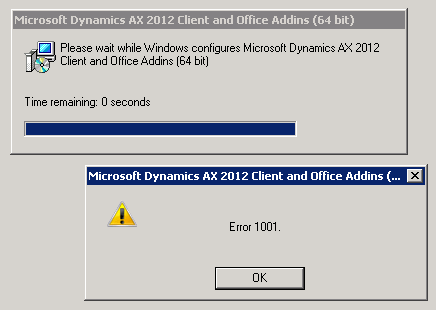
It is funny that if you google for this issue then you can find quite a lot of entries in blogs and forums where people keep on asking about this issue, but it doesn’t seem as if anyone has posted any sensible solution to the problem…
I can just give you a little hint about what I’ve noticed from doing a little search online, but I don’t know if it would help you in any way. The error is actually originating from the Windows Installer and not the AX. It seems as if the Windows installer is struggling with something. Quite often this error is being mentioned along with keyword “FileNotFound”. Is your AX installation saved on a read-only drive? Isn’t your installation path too long? I have had problems with beta versions of AX 2012 when I tried to install the AX from a path which appeared to be a bit too long for AX Installer (i.e, something like c:\tmp\blabla\tralalaaa\blalaaa\oiueuzhroiwe\oihoiwehioewj…\ddoewewf\AxSetup.exe didn’t work well and installation always failed somewhere in the middle of the process. But something like: C\AxInstallation\AxSetup.exe worked fine).
Congrats! Finally there is at least one documented fix on how to solve this “Error 1001”. Hopefully Google search picks up this post and whoever searches for the same problem will be able to find your solution in this forum.